Development
Software Development Services: The Complete Guide for 2026
Learn what software development services include, how the process works, what they cost, and how to choose the right partner for your project.
9 min read
Read articleSoftware development · Business automation
Saesoft builds high-performance websites, SaaS applications, integrations, and automation systems for businesses that want to move faster.
What we build
From the customer-facing experience to the workflows behind it, we design systems that are fast, dependable, and ready to grow.
High-performance websites and custom web applications built for speed, usability, SEO, and long-term maintainability.
Explore service →◫Scalable SaaS products built from validation through launch, with maintainable architecture designed for growth.
Explore service →⌁Automate repetitive workflows, connect your business tools, and reduce manual work with reliable automation systems.
Explore service →⇄Connect applications, CRMs, databases, payment systems, and third-party services through dependable integrations.
Explore service →◇Custom storefronts, checkout flows, integrations, and operational systems designed for reliable online selling.
Explore service →◎Performance improvements, security updates, bug fixes, upgrades, monitoring, and dependable ongoing support.
Explore service →Selected work
Example projects are clearly labeled until real case studies are published.
SaaS / Customer Portal · Demonstration project
A demonstration customer portal for managing accounts, service requests, documents, and communication through one secure self-service interface.
Automation · Demonstration project
A demonstration lead-management workflow that validates website inquiries, stores them reliably, sends notifications, and gives administrators a clear way to review and manage incoming leads.
Why Saesoft
Strong software matters because of what it lets your business do next.
How we work
Business automation
Connect your tools, move data automatically, and give your team time back with workflows designed around your business.
Recent insights
Development
Learn what software development services include, how the process works, what they cost, and how to choose the right partner for your project.
9 min read
Read article
Development
Master ecommerce website maintenance with expert tips on site protection, operations, and improvements. Enhance your online store's functionality and security today.
9 min read
Read article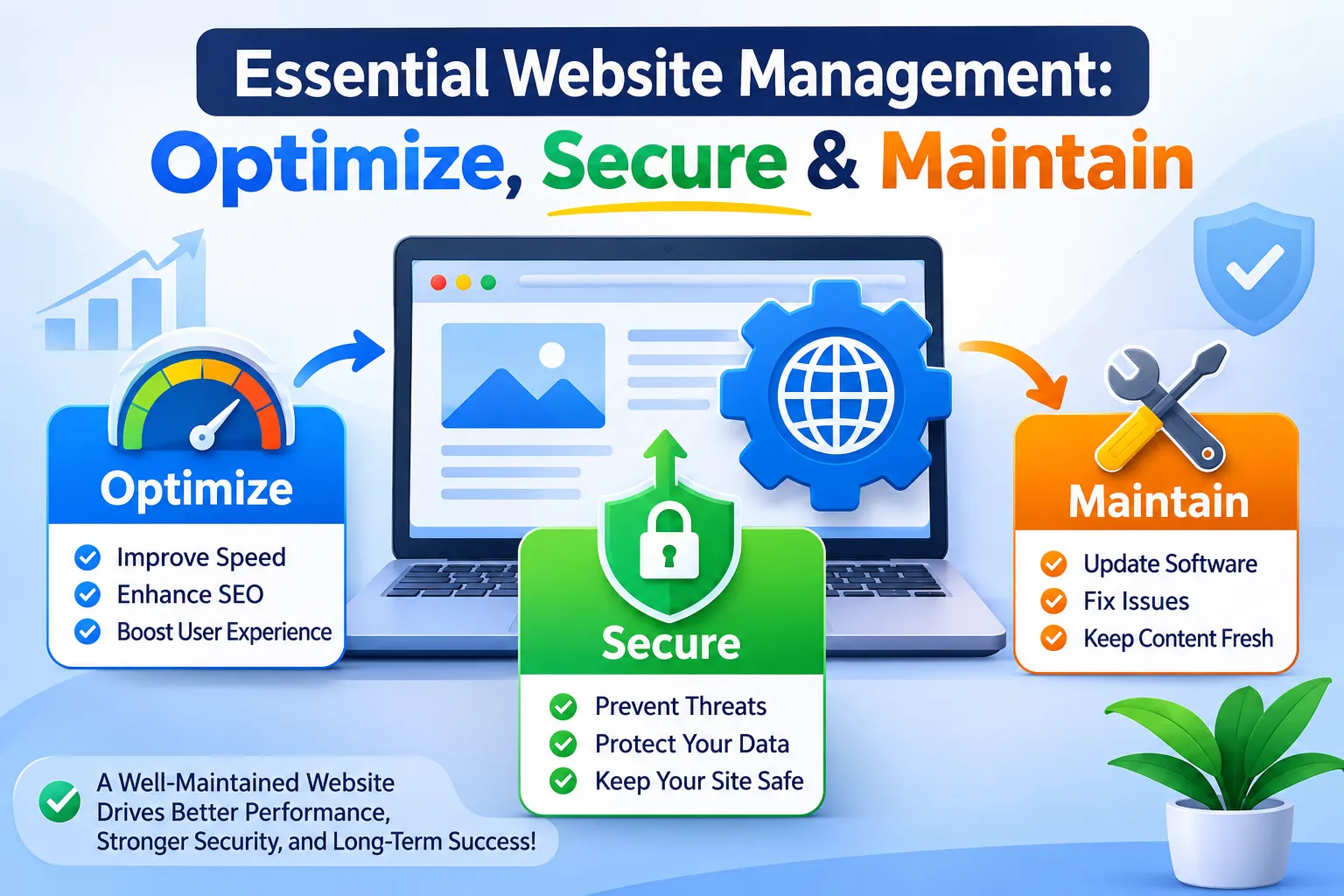
Development
Master the art of website management with essential tips to boost online presence, maintain site security, and optimize web performance effectively.
9 min read
Read articleTools we recommend
A small, secondary collection of tools we would consider for real projects. Some links may be affiliate links.
Developer Tools
GitKraken is a developer productivity platform designed to simplify Git version control and improve collaboration across software development teams. It provides a collection of tools that help developers manage repositories, track code changes, visualize project history, and collaborate more efficiently. Its intuitive interface makes Git workflows easier to understand, especially for developers who prefer visual tools over command-line operations. One of GitKraken's most popular products is GitKraken Desktop, a graphical Git client available for Windows, macOS, and Linux. It provides an interactive commit graph that displays branches, commits, merges, and repository history. Developers can visualize how different branches connect, identify changes, and manage complex Git workflows more effectively. GitKraken supports integrations with major Git hosting platforms, including GitHub, GitLab, Bitbucket, and Azure DevOps. These integrations allow developers to work with remote repositories, manage pull requests, review changes, and collaborate with team members. Its visual merge conflict editor also helps developers identify conflicting changes and resolve them with greater clarity. Another important product is GitLens, a Git extension for Visual Studio Code. GitLens provides code authorship information, Git blame annotations, commit history, and repository insights directly within the development environment. These features help developers understand code changes, investigate issues, and maintain existing projects. GitKraken also offers tools for team collaboration, repository management, and development workflow optimization. Its features can help teams coordinate work across multiple repositories and improve visibility into ongoing development activities. At Saesoft, we consider GitKraken a useful tool for managing Git repositories, understanding code history, and simplifying version control workflows. Its visual interface can make everyday development tasks more manageable while supporting collaboration across distributed teams. However, developers should evaluate their workflow requirements and subscription options before choosing a plan, as some advanced collaboration and productivity features may require paid access. Overall, GitKraken is a valuable platform for developers and software teams looking to make Git version control more accessible, organized, and efficient.
Best for
Developers and software teams that want a more visual and streamlined way to work with Git, especially when managing branches, merge conflicts, repository history, and multiple development workflows.
Hosting
Hostinger is a web hosting provider that helps individuals, freelancers, developers, and businesses establish and manage their online presence. It offers a range of hosting services, including shared hosting, WordPress hosting, cloud hosting, and VPS hosting, making it suitable for projects of different sizes and technical requirements. One of Hostinger's main advantages is its beginner-friendly hosting environment. Its hPanel control panel provides a centralized place to manage websites, domains, databases, email accounts, SSL certificates, and other hosting settings. This makes everyday website management more accessible, even for users without extensive server administration experience. Hostinger also provides tools for building and managing websites. Users can choose WordPress for a flexible content management experience or use its website builder to create websites with less technical work. Depending on the hosting plan, additional features may include automated backups, CDN integration, business email, and enhanced security tools. For developers and website owners, Hostinger offers practical features for managing web projects, configuring hosting environments, and maintaining websites. Its VPS hosting options provide greater control over server resources and configurations, making them more appropriate for applications that require additional flexibility. At Saesoft, we consider Hostinger a practical hosting option for small business websites, blogs, portfolios, and other web projects. Its management interface and range of hosting plans make it easier to get websites online and handle routine hosting operations without managing every server-level detail. However, choosing a hosting plan requires careful consideration. Introductory prices may differ significantly from renewal prices, and available resources, backup policies, and other features vary by plan. Website owners should evaluate their expected traffic, storage requirements, performance needs, and long-term budget before purchasing. Overall, Hostinger is a convenient option for individuals and businesses looking for accessible web hosting with a combination of management tools, website-building options, and scalable hosting services.
Best for
Small businesses, creators, and developers who want managed hosting without maintaining their own server infrastructure.
Marketing Tools
HubSpot is a customer relationship management (CRM) platform that helps businesses manage customer interactions, organize sales activities, automate marketing processes, and improve customer service. It brings several business tools together in one platform, making it easier for teams to manage their relationships with prospects and existing customers. One of HubSpot's main features is its CRM system, which provides a centralized database for storing contact information, company records, communication history, and sales activities. Teams can track leads, monitor customer interactions, manage deals, and follow prospects throughout the sales pipeline. This helps businesses maintain better visibility into their sales processes and build stronger customer relationships. HubSpot offers several integrated products, known as Hubs, covering different business functions. Marketing Hub supports email campaigns, lead generation, marketing automation, and campaign analytics. Sales Hub provides tools for pipeline management, sales automation, meeting scheduling, and deal tracking. Service Hub helps customer support teams manage tickets, feedback, and customer communication. Content Hub supports website content management and digital experiences, while Operations Hub helps connect applications and automate business processes. Another advantage of HubSpot is its automation and reporting capabilities. Businesses can create workflows to reduce repetitive tasks, segment contacts based on specific criteria, and monitor performance through dashboards and reports. Its integrations also allow teams to connect HubSpot with other business applications and maintain more connected workflows. At Saesoft, we consider HubSpot a useful platform for businesses looking to centralize customer information, improve lead management, and organize sales and marketing activities. Its combination of CRM functionality, automation, and reporting can help teams work more efficiently and make better-informed business decisions. However, businesses should evaluate their requirements before choosing a subscription. Although HubSpot offers free CRM tools, advanced automation, reporting, and other capabilities may require paid plans. Overall, HubSpot is a flexible business platform for companies that want to improve customer management, streamline operations, and support sustainable growth.
Best for
Businesses that want to manage leads, customers, marketing, sales, and automation from one integrated platform.
Start a project
Tell us what you’re building. We’ll reply with clear next steps.